⚡BOLTGRAPH XR
immersive charting suite — native Meta Quest 3 build (Vulkan, OpenXR, passthrough + VR)
Download for Quest 3
fetching build info…
no headset handy? open the WebXR version right here in the browser
sideload build (debug-signed) — installs from "unknown sources", nothing leaves the device
WHAT IT IS
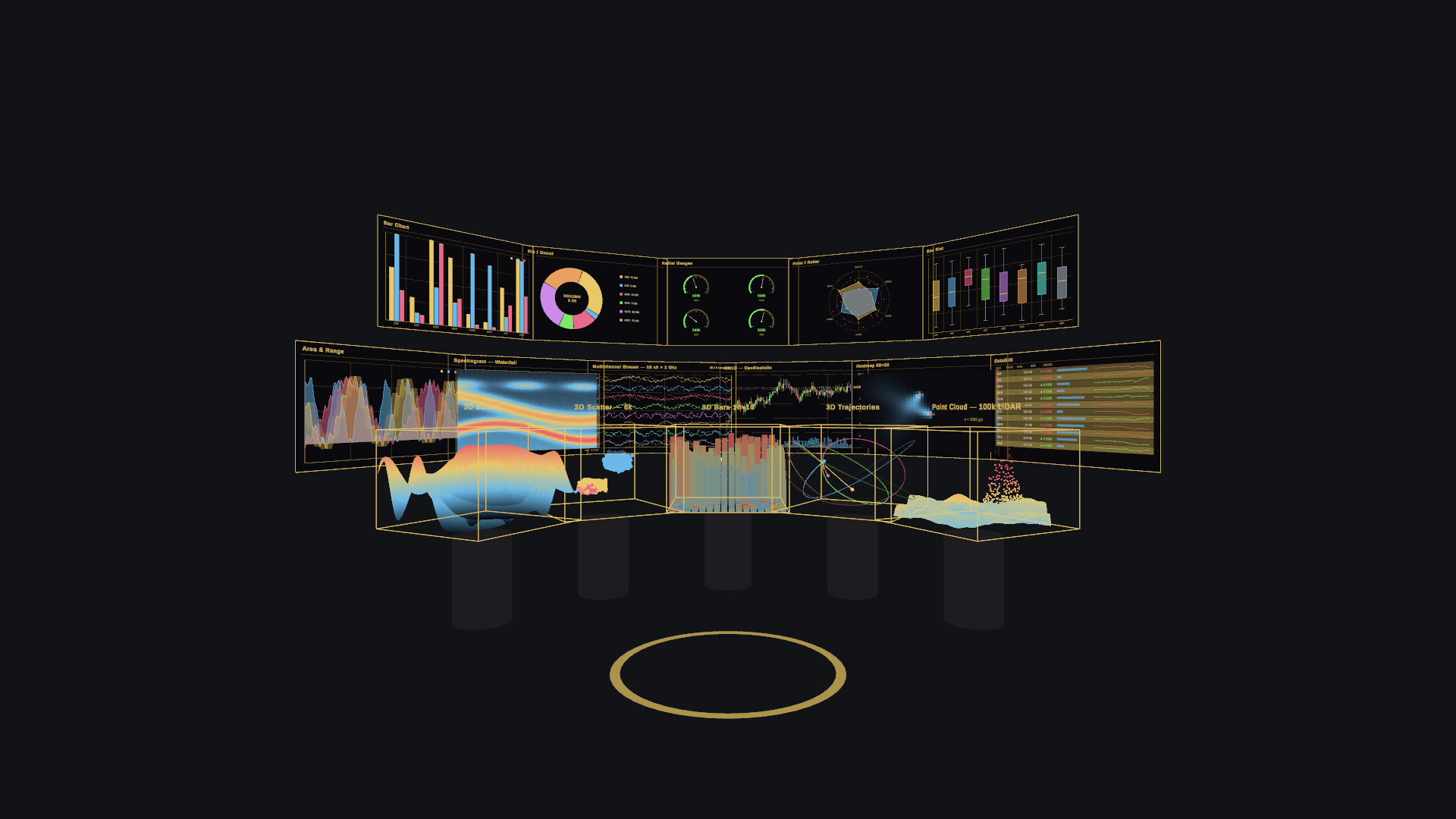
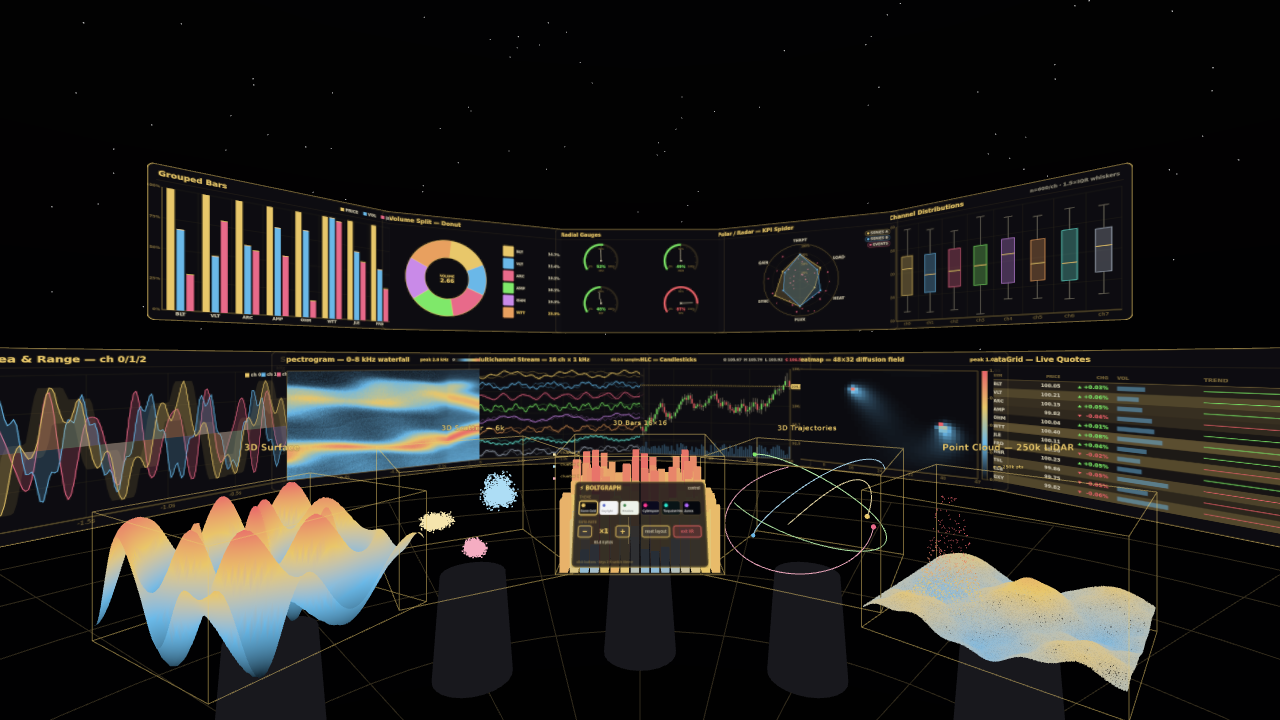
A full charting gallery around you: eleven streaming 2D charts on a glass arc and five true-3D charts on plinths, fed live at up to 16 channels × 1 kHz. Six themes restyle every chart and the whole room in one press, and a control panel switches PASSTHROUGH ↔ VR and dials the data rate ×0.25–×8.
16ch streamOHLC candlesspectrogramheatmap
DataGridarea + rangebarsdonut
gaugespolar/radarbox plots
3D surface3D scatter3D barstrajectories
100k point cloud
INSTALL ON QUEST 3
- Open this page in the Quest browser and press Download (HTTPS is required or the browser silently cancels the download).
- Tap the download notification when it completes, and allow “install unknown apps” if asked.
- Launch from Library → Unknown sources → BoltGraph XR. It opens in passthrough; the panel in front of you has themes, rate and the VR room toggle.
THIS BUILD
loading release notes…