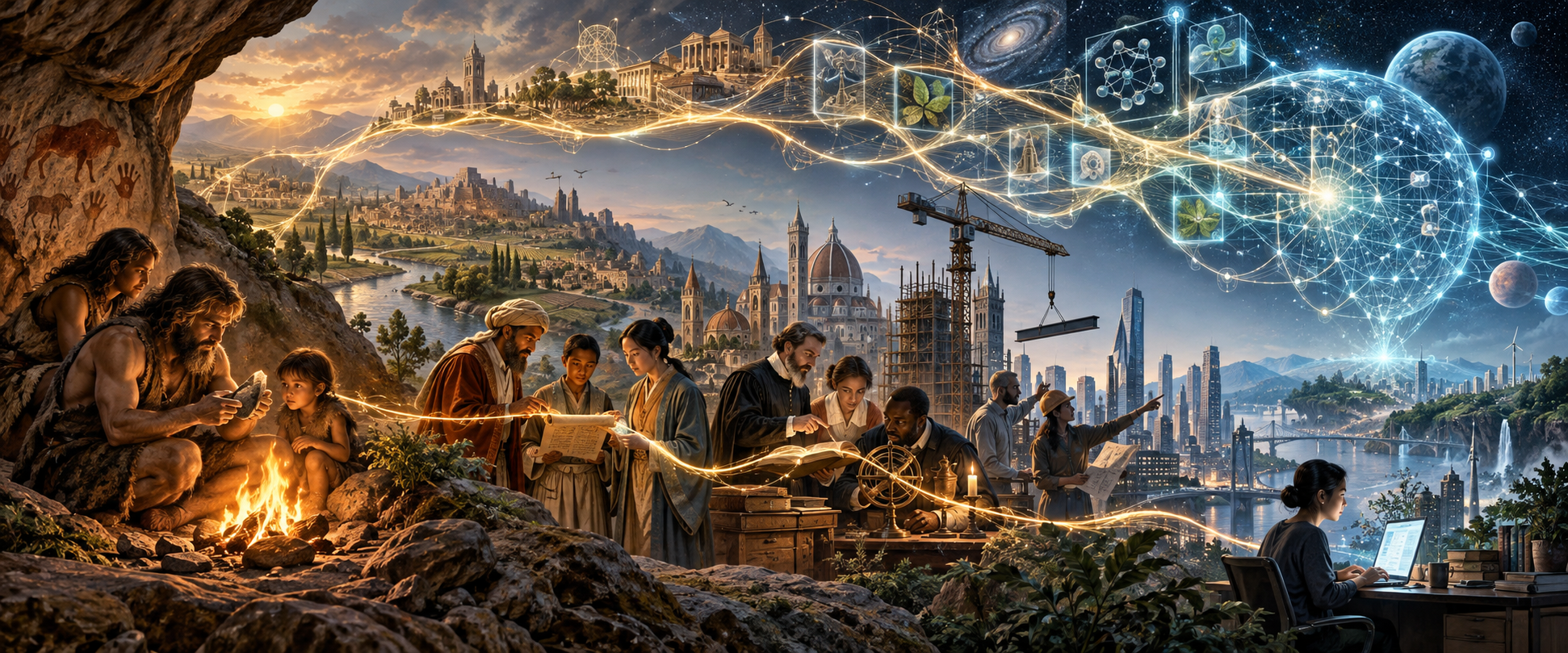
HUMANITY, TOGETHER
Opening the scene…
In the headset, hold a grip to move. Hold both grips to resize and rotate. A places the artwork in front of you.
Drag to look · WASD to lean · R to return
Reconstructed depth · Best viewed from this spot
INSIDE THE ARTWORK
The original artwork is projected onto AI-reconstructed depth, with 3D Gaussian splats filling the gaps between surfaces. Look around and gently lean to see depth between the people, landscape, and sky.
The fire, embers, and knowledge trails move. The people and buildings retain the appearance captured in the image.
This is a view of the scene from an observation spot. A single picture does not contain the surfaces behind its subjects; moving too far can expose gaps. It is not a complete world you can walk through.
Quest 3: Choose Enter passthrough to show the artwork in your room, or Enter VR for the dark immersive view. Passthrough keeps the original artwork’s sky; your room is visible around the artwork.
Placement: Hold either controller’s grip to move and turn the artwork. Hold both grips, then spread or turn your hands to resize and rotate it. Release to leave it in place. The left stick moves it horizontally and nearer/farther; the right stick turns it and changes its size. Press A or choose Place in front to reset.
When hand tracking is available, pinch to grab and use two pinches to resize and rotate. Point at the in-headset buttons and trigger or pinch to pause, reset, or exit. Either controller trigger away from the panel also pauses motion. The headset system menu can end the session.
Placement lasts for the current session. This version does not detect tables, walls, or real-world occlusion. A physical Quest 3 check is still needed.
Research reconstruction: Apple SHARP. Rendering: Spark and Three.js. Software comparison and limitations.